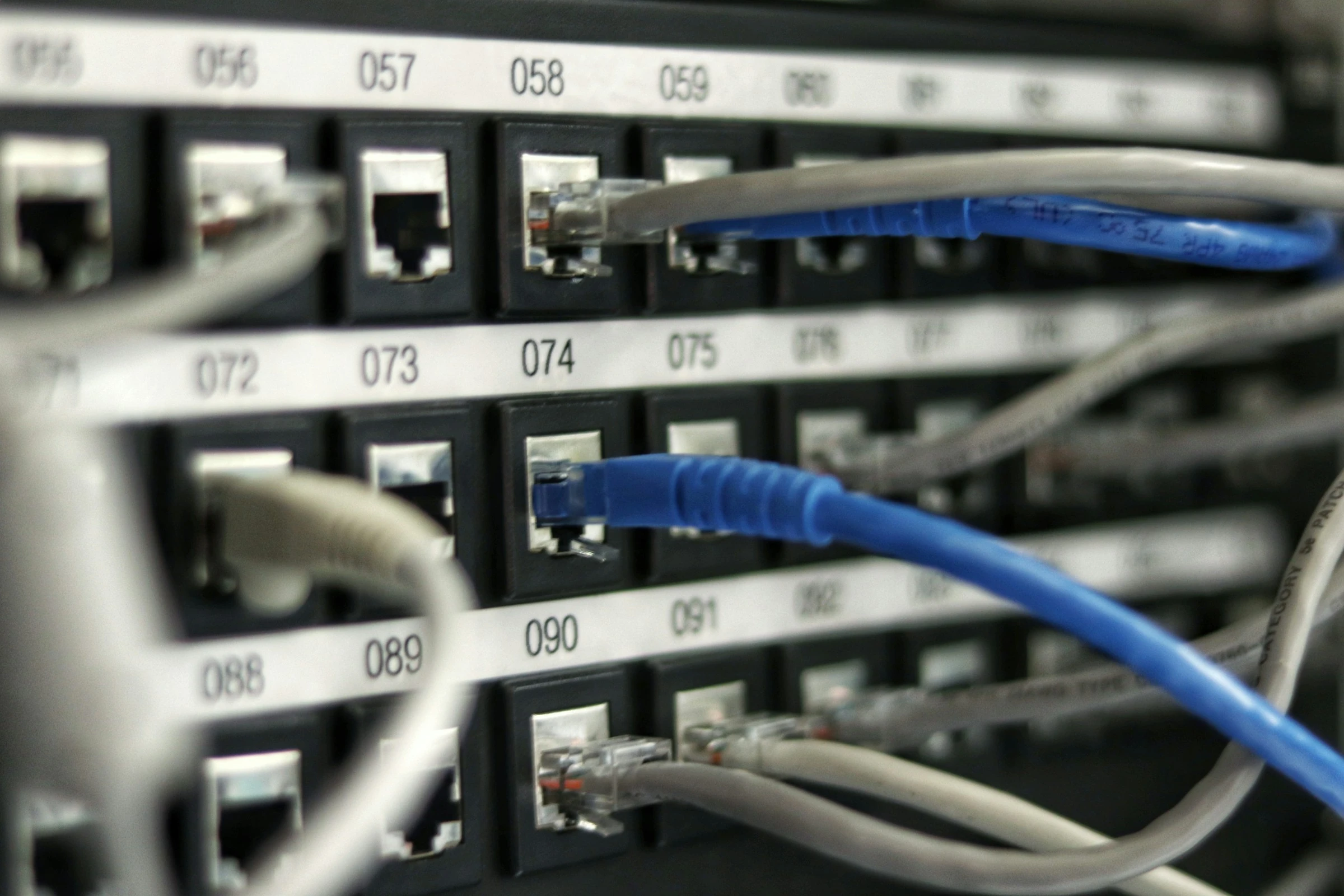
A cable move leaves two things to verify: the installed connection and the record another person will use to find it. Make that comparison part of closing the change. Otherwise, a later repair can begin with a readable label that points to an outdated port assignment.
Give the technician a record they can check at the rack
Before an approved move, identify the cable and the endpoints described in the current record. Use the site’s existing identifier scheme. Include enough location detail to distinguish the cabinet, equipment or patch panel, and port at each end. A port number repeated across many panels needs its panel identity to be useful.
Keep the proposed destination alongside the existing connection until the work has been verified. This lets the technician see what should change and gives the reviewer a clear comparison afterward. Attach the change reference and the responsible service owner so an unexpected finding has somewhere to go.
For this review, a useful record contains the cable identifier, both endpoint locations, the current verification date, and a link to the change history. Add a status for unresolved information rather than completing a field from memory. The person at the rack should be able to distinguish a checked connection from an assumption.
Check both labels without disturbing the service
Fluke Networks’ cable-labeling guidance describes readable identifiers at both ends and documentation that is updated as the installation changes. Its discussion refers to the standard current when that article was written; use the applicable site requirements for a present-day installation.
During the authorized inspection, compare the accessible labels with the recorded endpoints. Record damaged, missing or ambiguous labels as specific exceptions. Two identifiers that look similar in a photograph still need to be read accurately before they support a maintenance decision.
Keep service-affecting actions within the approved change plan. If identifying a connection would require disturbing it, stop that inspection step and arrange an appropriate method with the responsible team. An unknown endpoint should stay visibly unresolved until there is evidence to accept it.
Reconcile the physical connection and the saved map
Panduit’s cable-documentation explanation describes matching physical locations to saved connection records and comparing an installation with previously recorded results. That comparison is useful regardless of the documentation system selected for the site.
Use a small exception list while reviewing the work:
- Label agrees, endpoint differs: retain the old endpoint in the history and investigate the physical connection before accepting a replacement record.
- Endpoint agrees, label is unreadable: assign a label replacement through the approved process and preserve how the connection was identified.
- Identifier appears more than once: resolve the conflicting records before using that identifier to direct a move.
- Connection is present but absent from the inventory: establish its owner and purpose before assigning its documentation status.
These entries give the team concrete follow-up work. Include the observed location, the evidence available and a named owner for each exception. Avoid closing an entire cabinet review while unresolved connections disappear into a general notes field.
Make documentation part of the change acceptance
After the authorized move, verify the resulting endpoints against the accepted plan and complete the service checks defined for that change. Save the resulting connection record, the verification time and the person who performed the check. Retain a reference to the previous record so later incident review can reconstruct the change.
If the installed outcome differs from the proposal, describe the difference and obtain the required review before marking the record accepted. A drawing edited in advance can otherwise look current even when the physical work took a different path.
Choose the system that owns the accepted connection record and identify any dependent copies. If a diagram, spreadsheet or DCIM inventory also displays the connection, assign the update explicitly. Record the authoritative location in the work item so the next shift knows where to look.
Use the next work order to test the record
At the next planned task involving that connection, ask the technician to locate it using the saved identifiers and endpoint details. Capture any information they had to obtain elsewhere. This gives the documentation owner a concrete correction, such as a missing panel identifier or an ambiguous equipment name.
Start recurring checks with connections already involved in approved maintenance. Keep the scope manageable and track the exceptions through resolution. Over time, the record should tell another person where the cable goes, when that was checked, and which approved change established the current connection.
Sources
- Fluke Networks — Cable Labeling Best Practices, Circa 2017Publication date not stated. Retrieved October 17, 2026.
- Panduit — Faster & Easier: 3 Ways to Use Rapid IDPublication date not stated. Retrieved October 17, 2026.
- Jordan Harrison — Network patch-panel photograph, UnsplashPublication date not stated. Retrieved October 17, 2026.